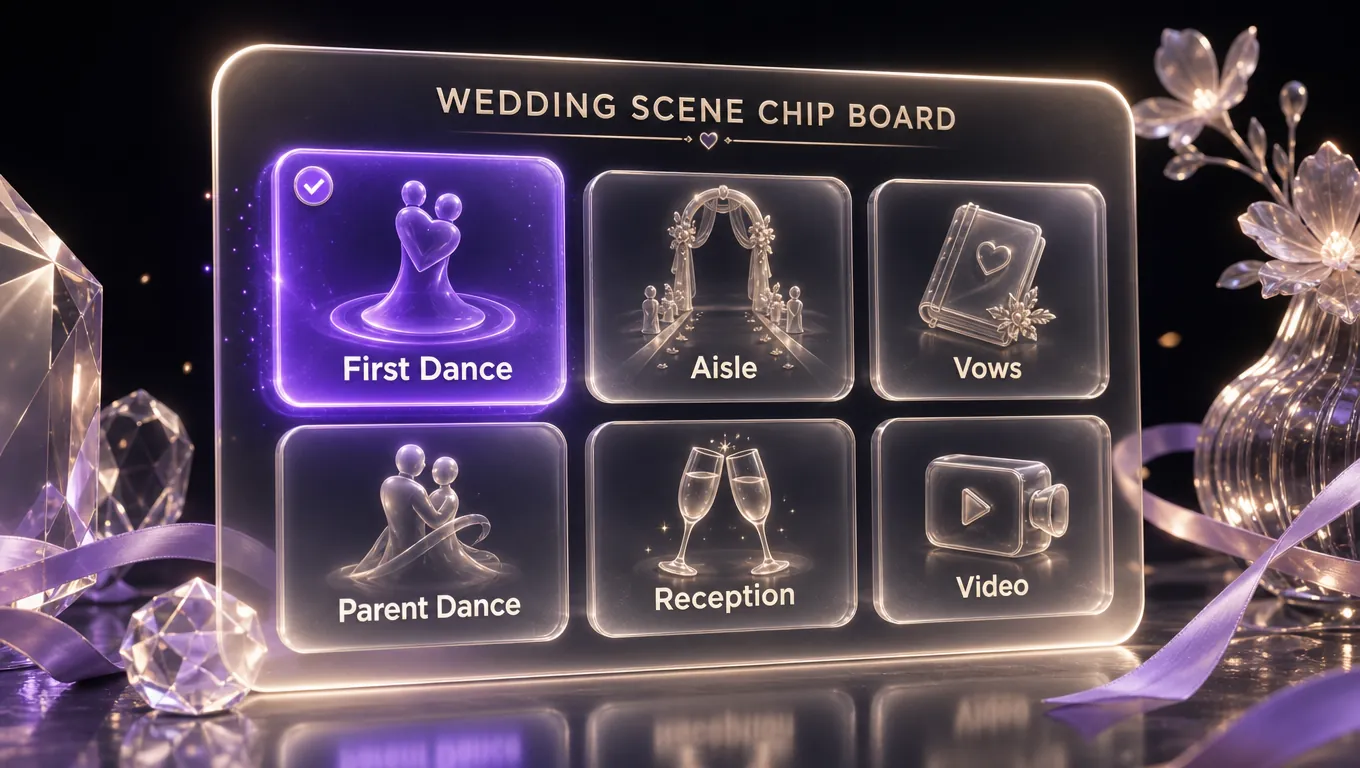
Scene-based wedding cues
Choose a first dance song, ceremony entrance music, vows, parent dance, reception, or wedding video so tempo and mood match the room.
Create custom wedding songs from your names, story, and ceremony moment. Pick first dance, aisle, vows, or parent dance, then download an MP3 for your DJ.
Build custom wedding music around a real ceremony cue—not a generic love playlist. Shape scene, story, style, and lyrics before you generate.
Choose a first dance song, ceremony entrance music, vows, parent dance, reception, or wedding video so tempo and mood match the room.
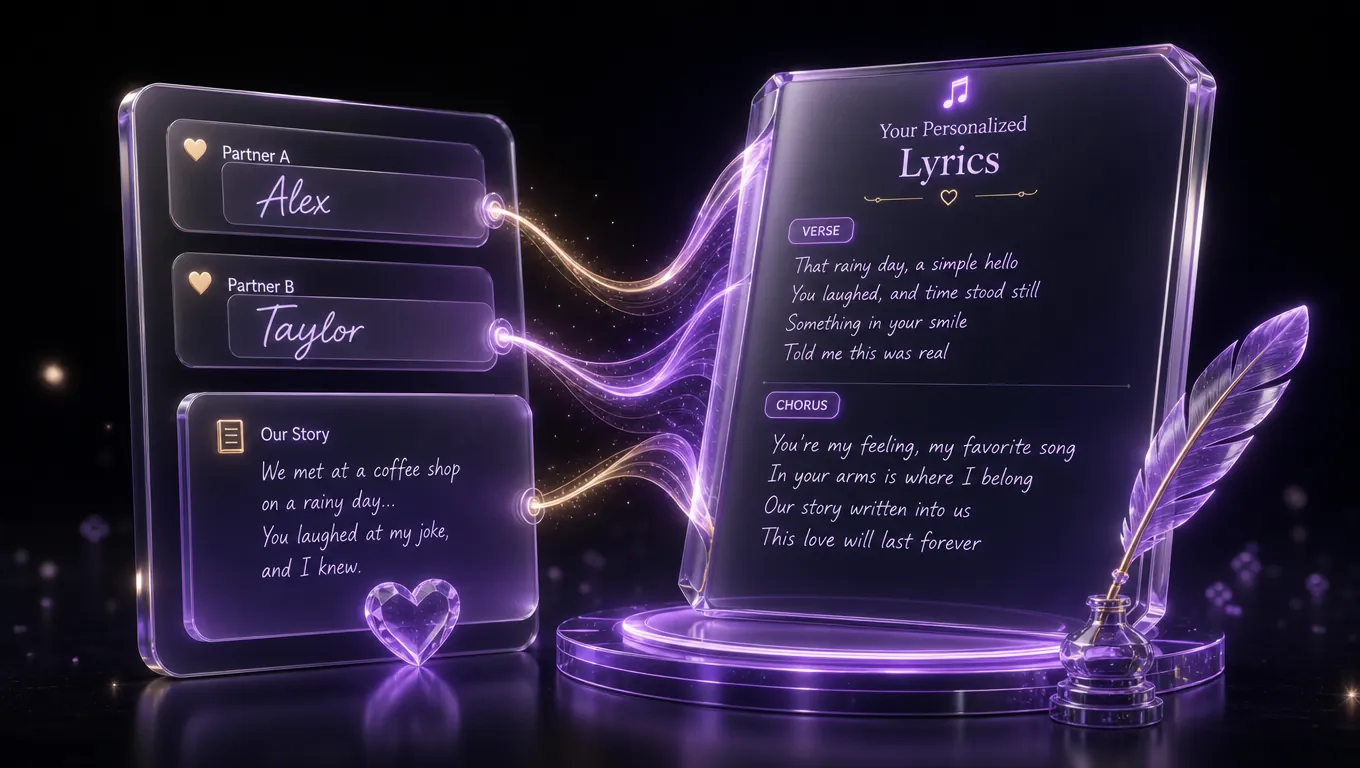
Add both names, memories, and a vow line. AI drafts singable lyrics you can rewrite before production.
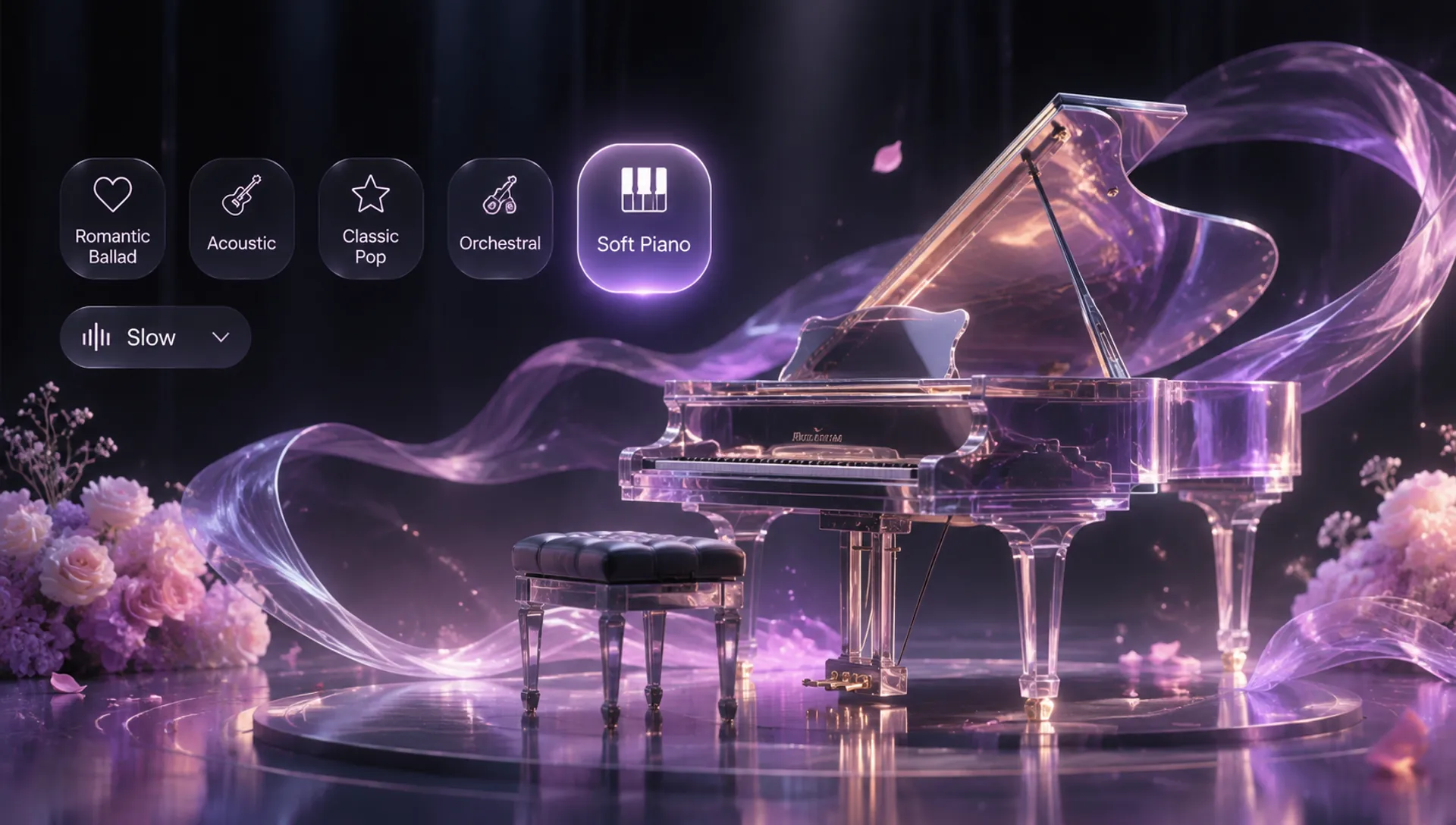
Steer romantic ballad, acoustic love, classic pop, orchestral, or soft wedding piano with BPM and lead instruments.
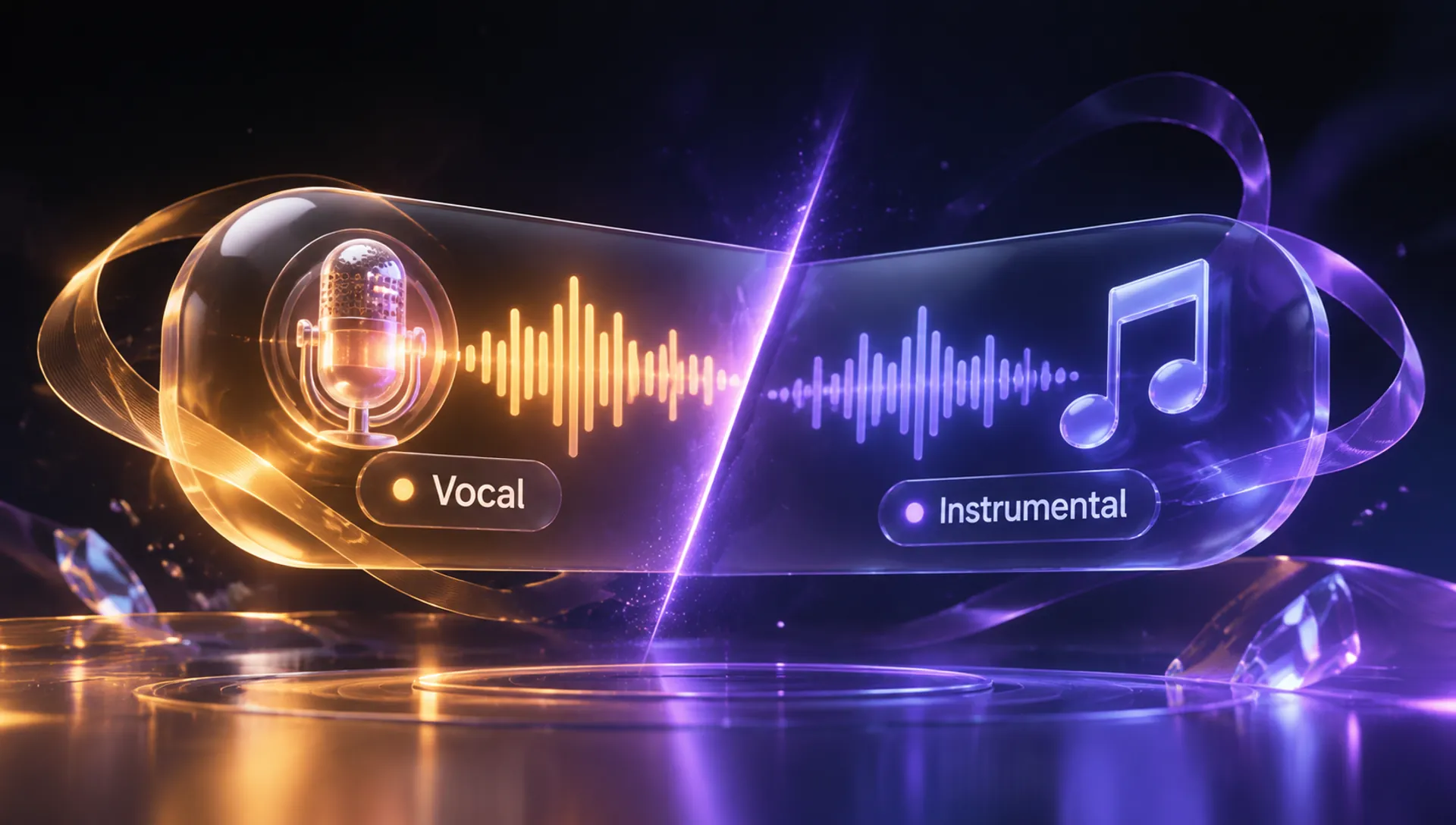
Keep a warm lead vocal for dancing, or switch to instrumental bride music and pre-ceremony beds.
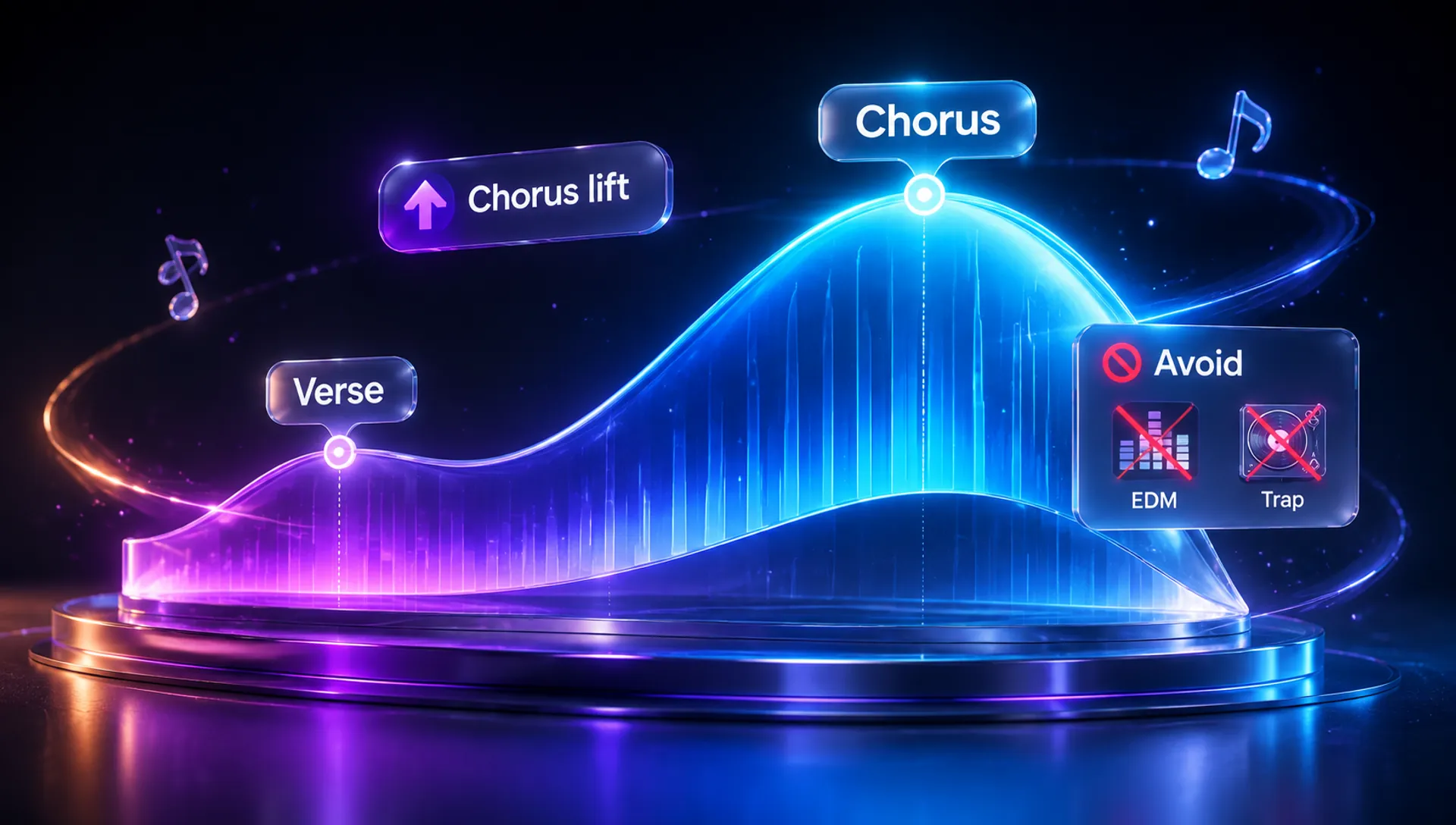
Verse intimacy, chorus lift, and avoid lists help keep the track ceremonial instead of club-loud.
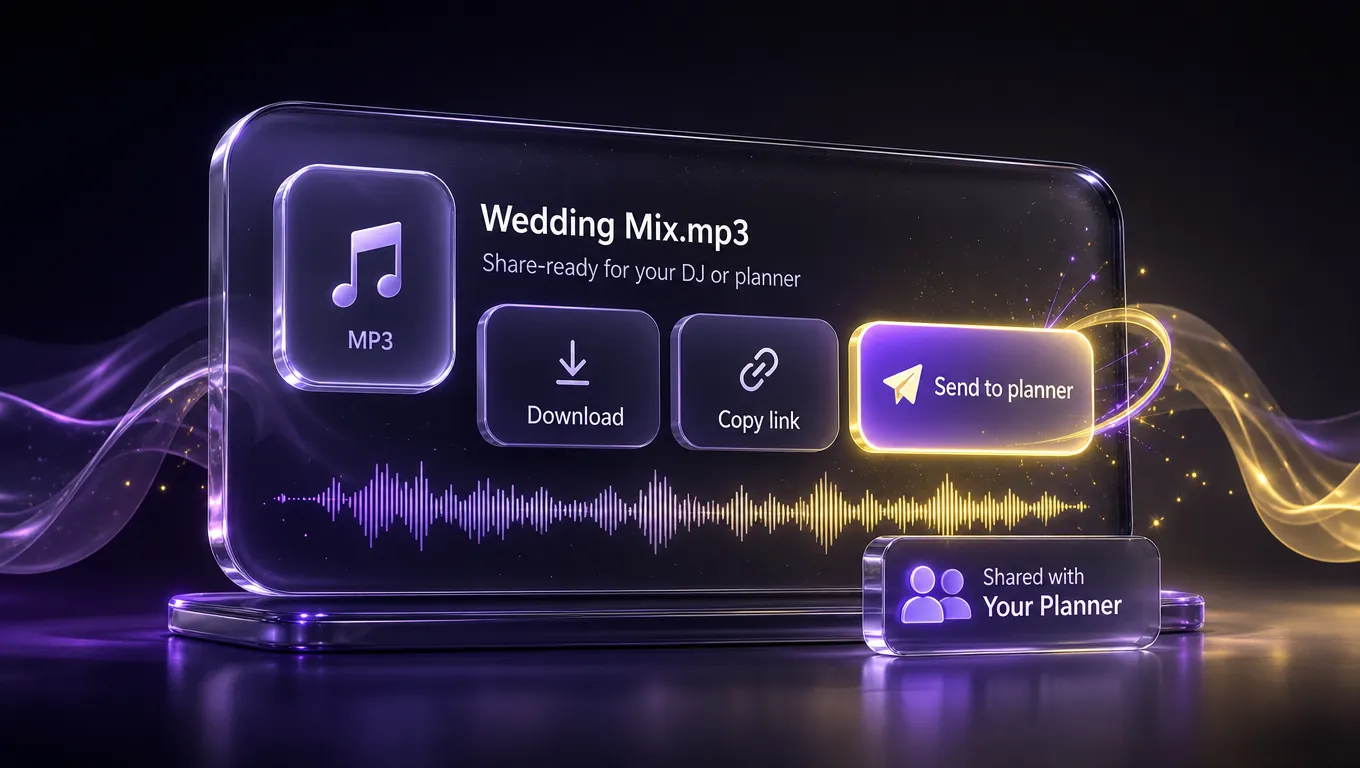
Download MP3, copy a link, or send the finished song to a wedding music planner or DJ.
To make a custom wedding song, pick the ceremony moment, add both names and a short story, then review the AI lyrics and generate. Sign in first; each generation costs 3 credits. Download the MP3, share a link with your planner, or polish one weak section in the music editor instead of starting over.
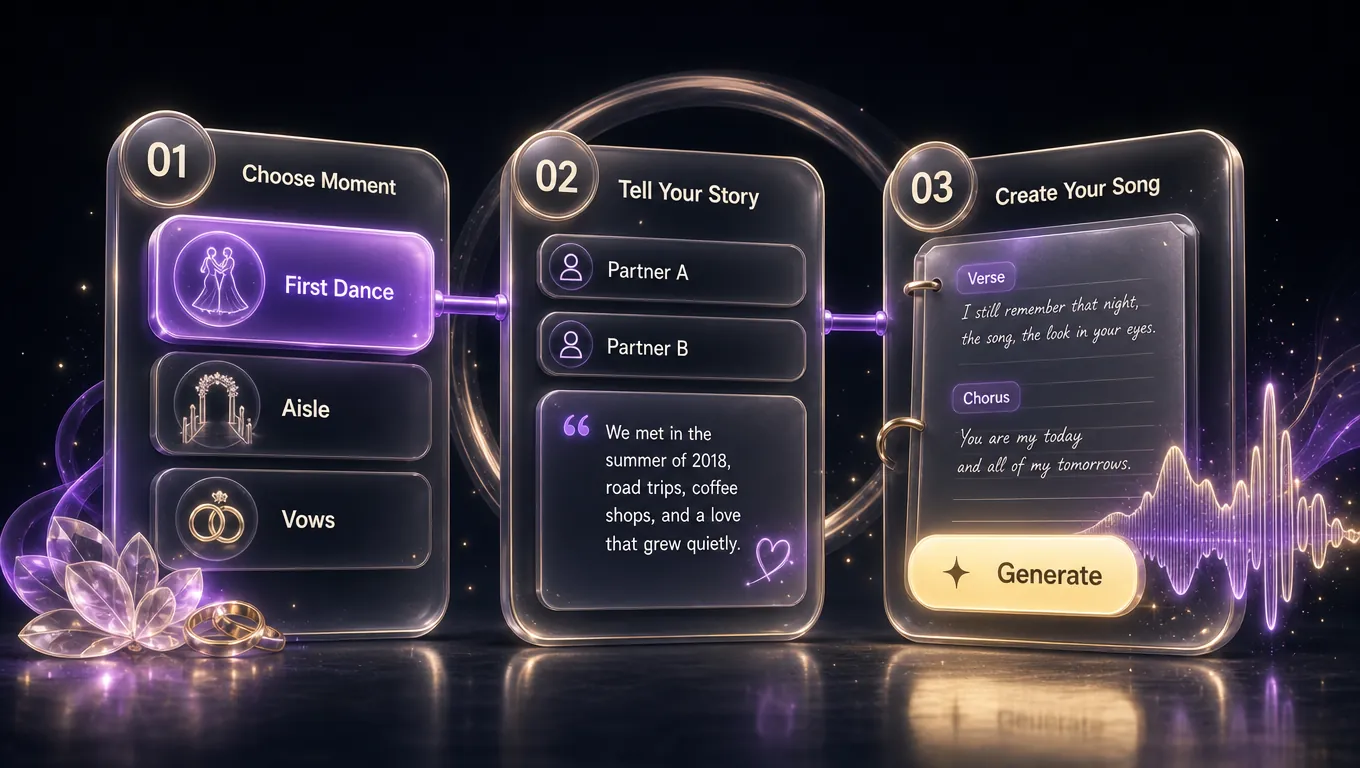
Use one personalized track for the cue that matters most—or build a small set for dancing, ceremony, and video.
Write a slow first dance song with both names and a shared memory so the floor feels personal—not borrowed from a chart playlist.
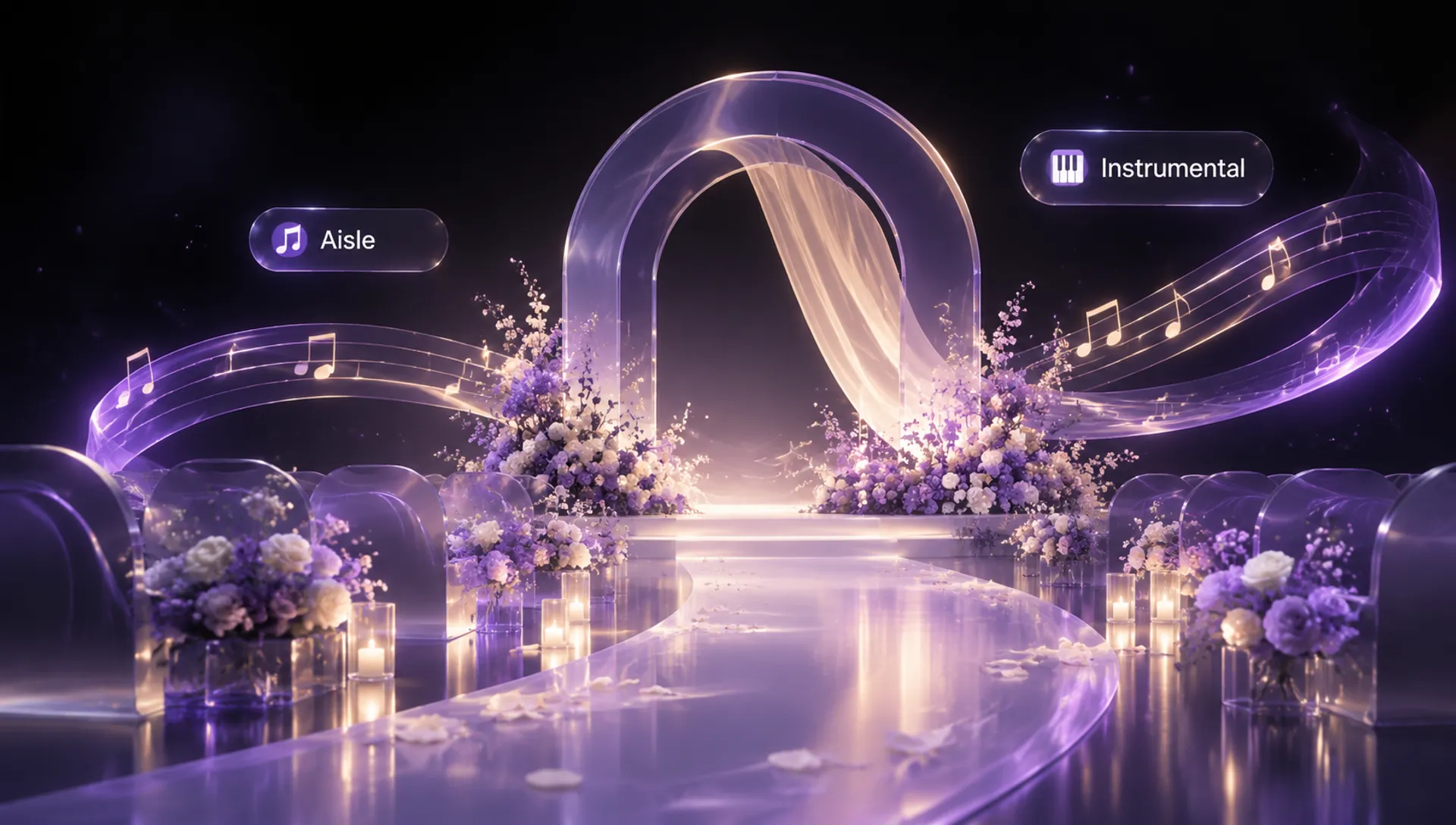
Create calm bride music or processional energy for walking down the aisle—often instrumental, measured, and ceremony-safe.
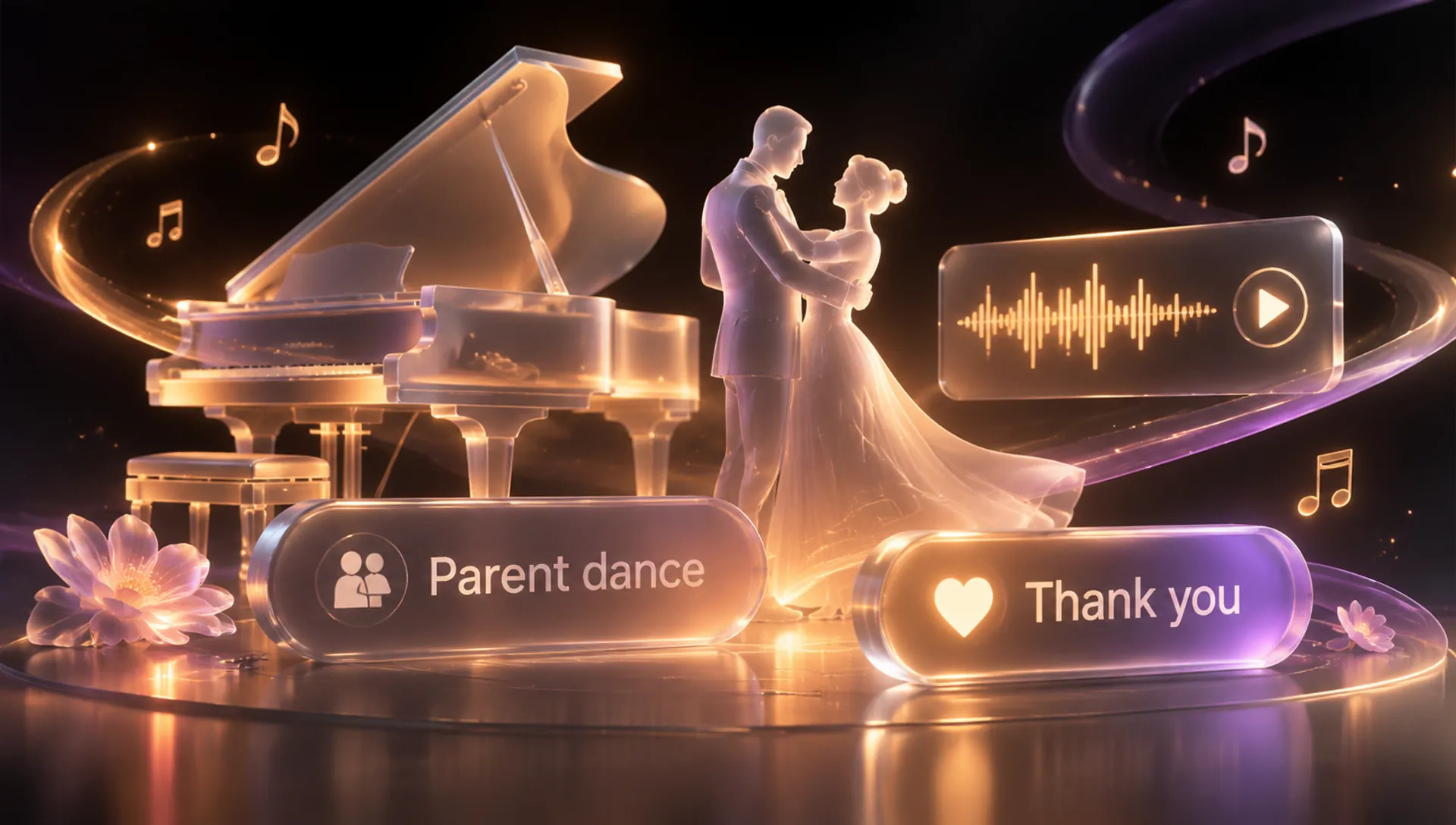
Turn gratitude into a warm parent-dance song with nostalgic piano or acoustic color—and lyrics that thank the people who raised you.
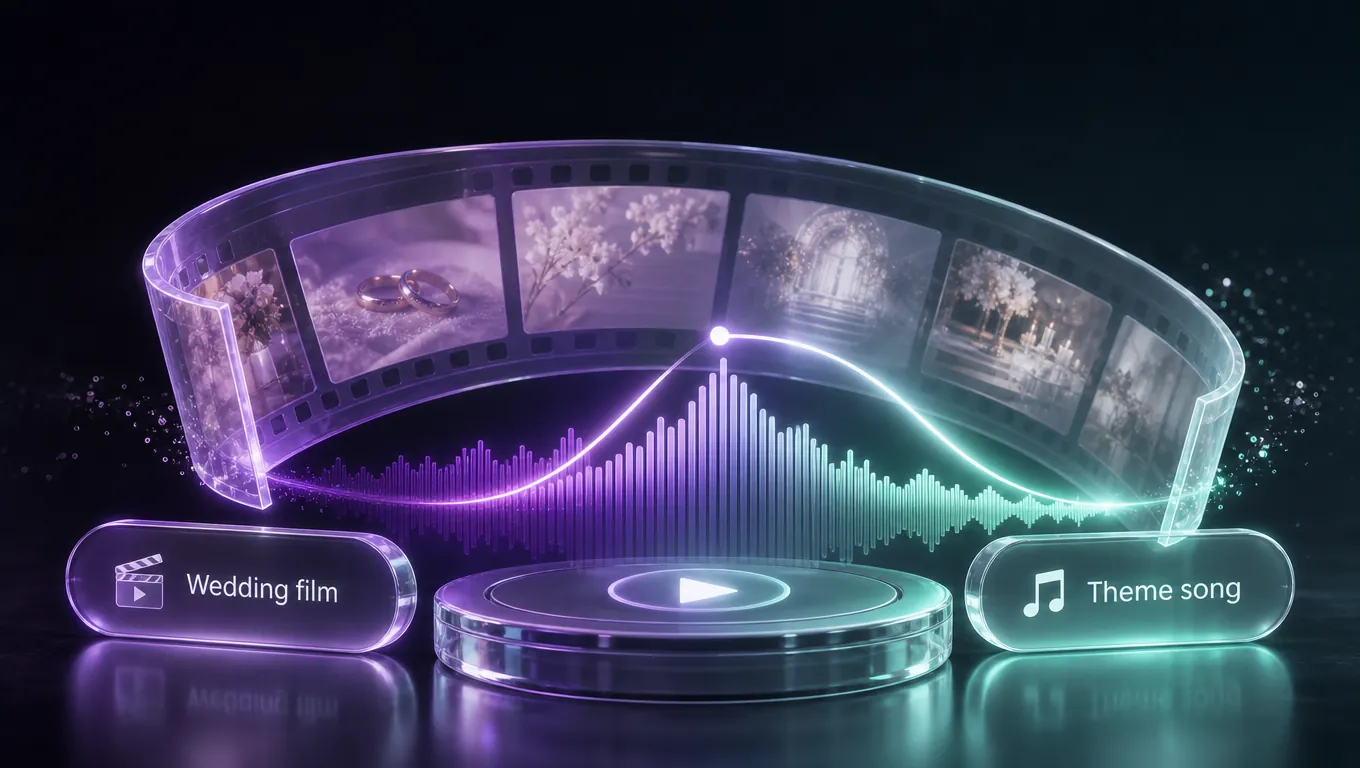
Build a wedding theme song for highlight videos and slideshows with a clear emotional arc that editors can cut against.
Generic wedding playlist generators shuffle other people’s songs. This studio writes a track around your ceremony.
Straight answers for couples planning first dance, ceremony, and playlist-style needs.
Custom wedding songs are original tracks written around your names, story, and ceremony moment. On MusGen you choose the cue, draft lyrics, and generate downloadable audio instead of picking a generic love song.
Yes. Choose First Dance, enter both names and a short memory, then edit the AI lyrics before generating. The result is a first dance song shaped for a slow, intimate floor.
It is a full song generator. A wedding playlist maker or wedding playlist generator sequences existing tracks. Here you create one personalized wedding song—or a few cue tracks—to hand to a DJ or planner.
Yes. Pick soft piano or orchestral styles and switch voice to Instrumental for aisle or pre-ceremony music when lyrics would distract.
After generation, download the MP3, copy the link, or use send-to-planner sharing so your wedding music planner or DJ gets the exact cue file.
Yes. Songs are saved to your own account history and are not listed publicly. Only people you send the link or MP3 to can hear them, so you can keep the surprise until the reveal.
Do not rebuild everything first. Edit lyrics and regenerate, or open Music Editor / Extender to polish one section after you have a strong draft.
No. Use it for signature cues—first dance, aisle, parent dance, theme song—then keep a broader playlist for cocktail hour and dancing.
Choosing a moment and drafting lyrics is free. To generate audio you need to sign in, and each generation costs 3 credits from your balance. Paid plans add more credits plus commercial use under MusGen terms.
Pick the moment, tell the story, and generate personalized wedding songs you can send to your planner the same day.
Start your wedding song