Record or upload your humming
Capture humming live in the browser, or upload a short file (MP3, WAV, M4A, WEBM)—up to 30 seconds.
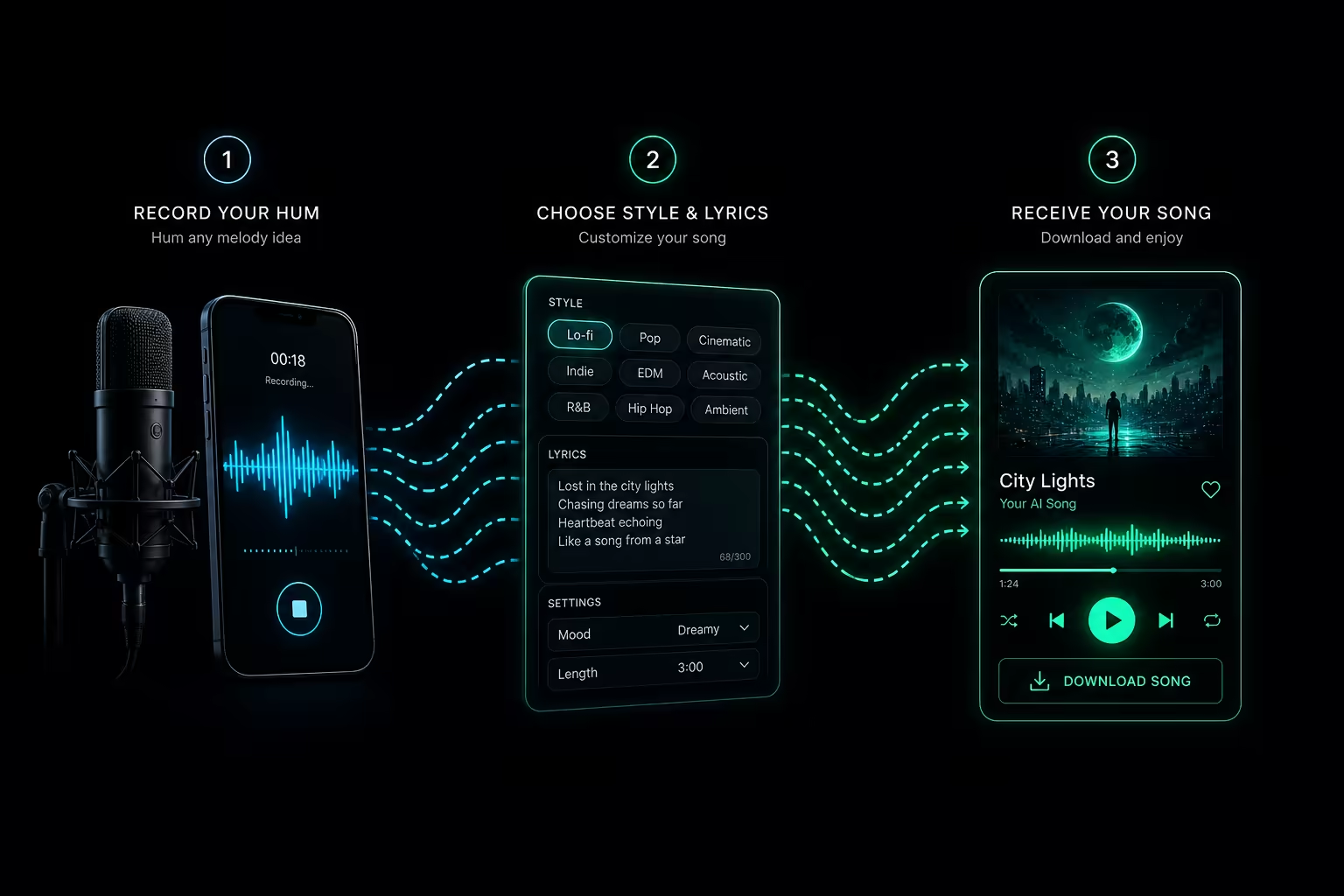
Use Hum to Song Generator to make a song by humming. Record or upload a ≤30s clip, set style tags and lyrics (or instrumental), then generate a full song around your melody and download as MP3.
Step 1
Use a reference clip that is 30 seconds or shorter. Uploading goes through the R2 flow before submission.
Step 2
Add a hummed reference first. Title, tags, and lyrics unlock after you record or upload.
See what MusGen Hum to Song offers—from live recording and style tags to melody-led generation and creative expansion.
Capture humming live in the browser, or upload a short file (MP3, WAV, M4A, WEBM)—up to 30 seconds.
Add style tags to steer genre, mood, and arrangement so the track follows the direction you want.
Switch on instrumental mode when you want melody-led music with no sung lyrics—ideal for beds, intros, and BGM.
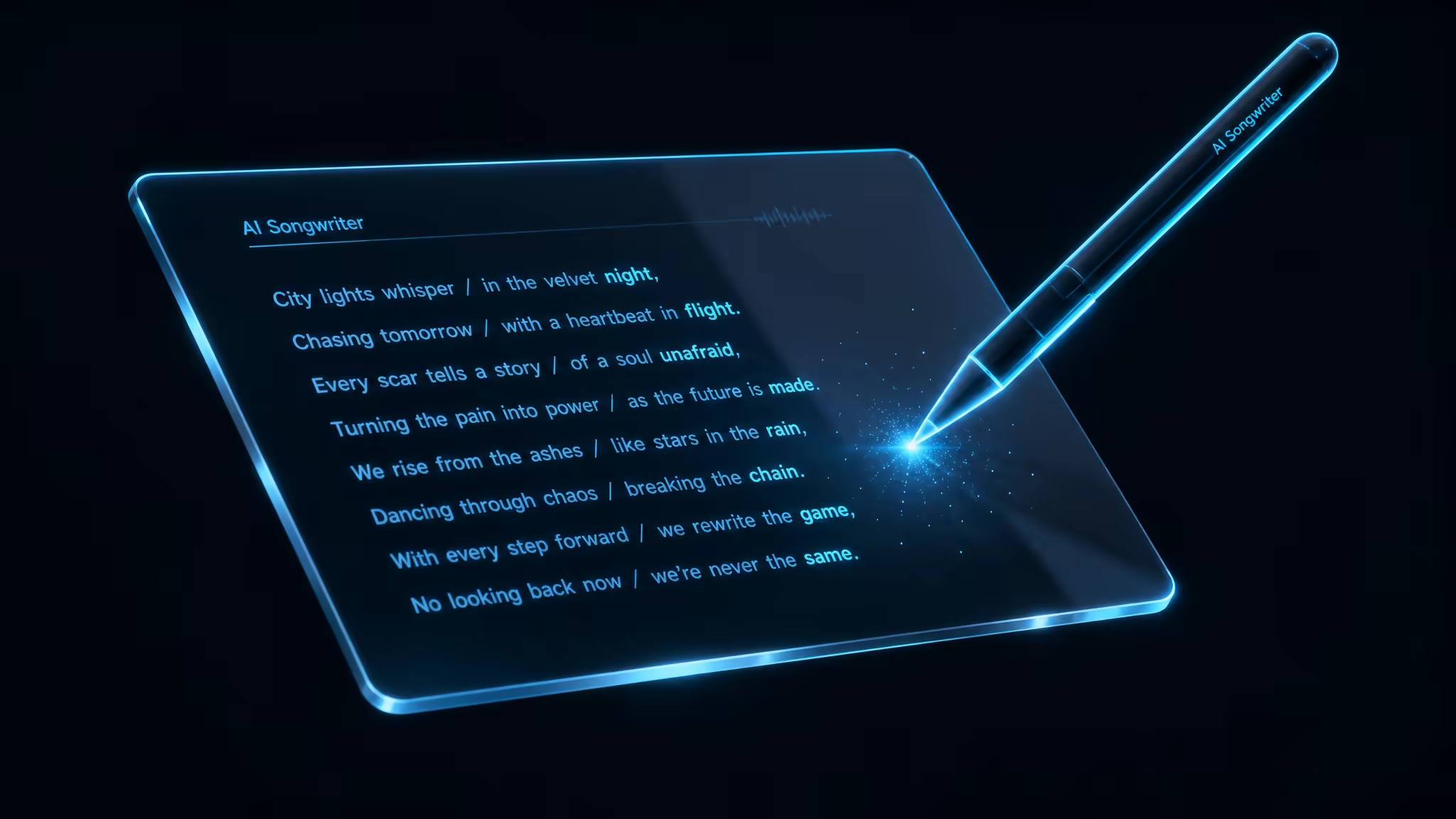
Paste your own lyrics, or use random / AI-assisted lyrics when you want vocals without writing every line yourself.

Generation uses your hummed phrase as the melodic reference, so the result follows the idea you hummed.

Your short hummed reference is expanded into a fuller song draft—arrangement grows from that melody, not from scratch.
From reference audio to a finished track—add your clip, set the song, then generate and download.
Explore practical ways creators use Hum to Song—from demos and podcast intros to video beds and full song drafts.
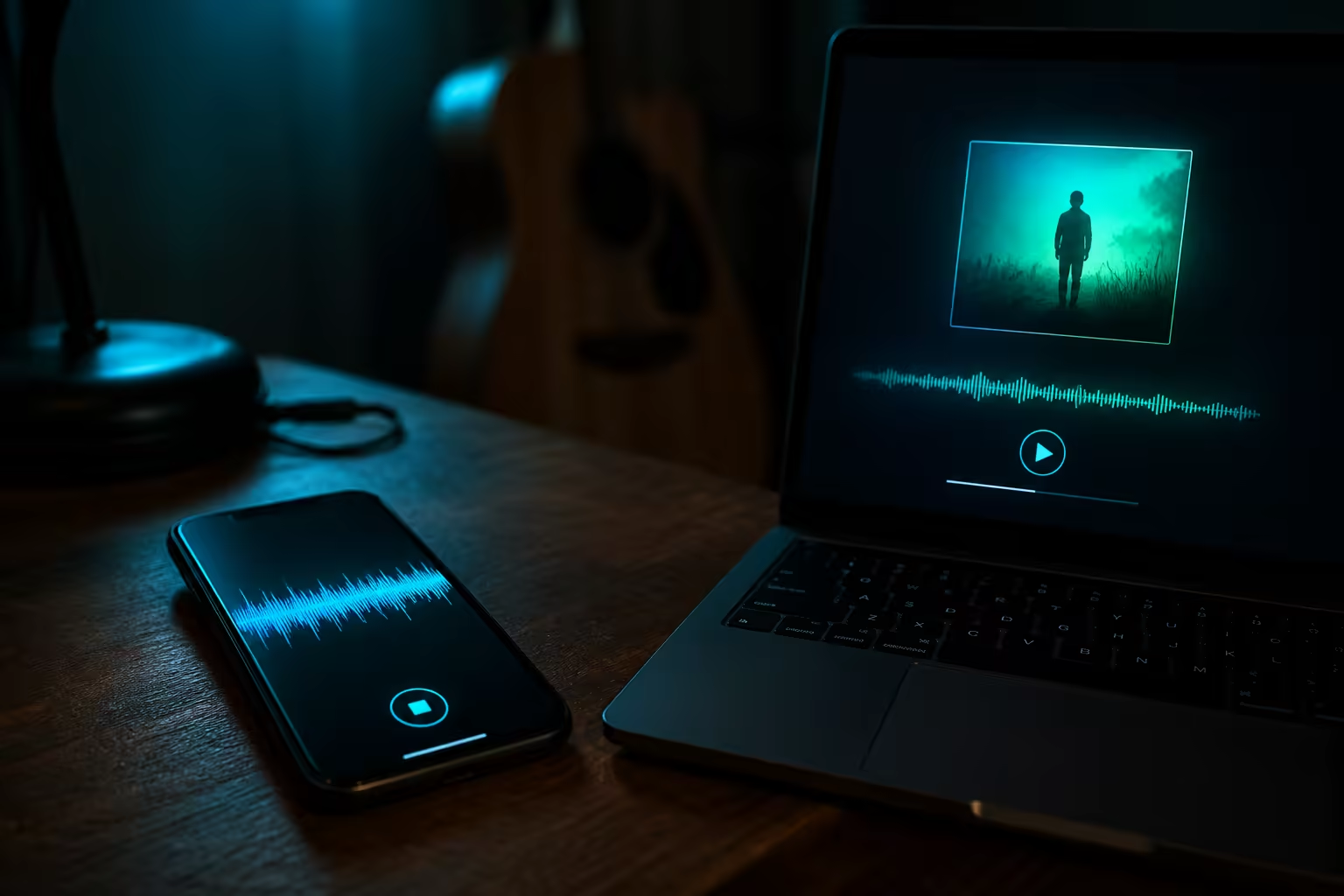
When a melody shows up on your phone, you should not wait for studio time. Hum or upload a short voice memo, add style tags and optional lyrics, then generate a structured demo you can share with collaborators before opening a DAW.
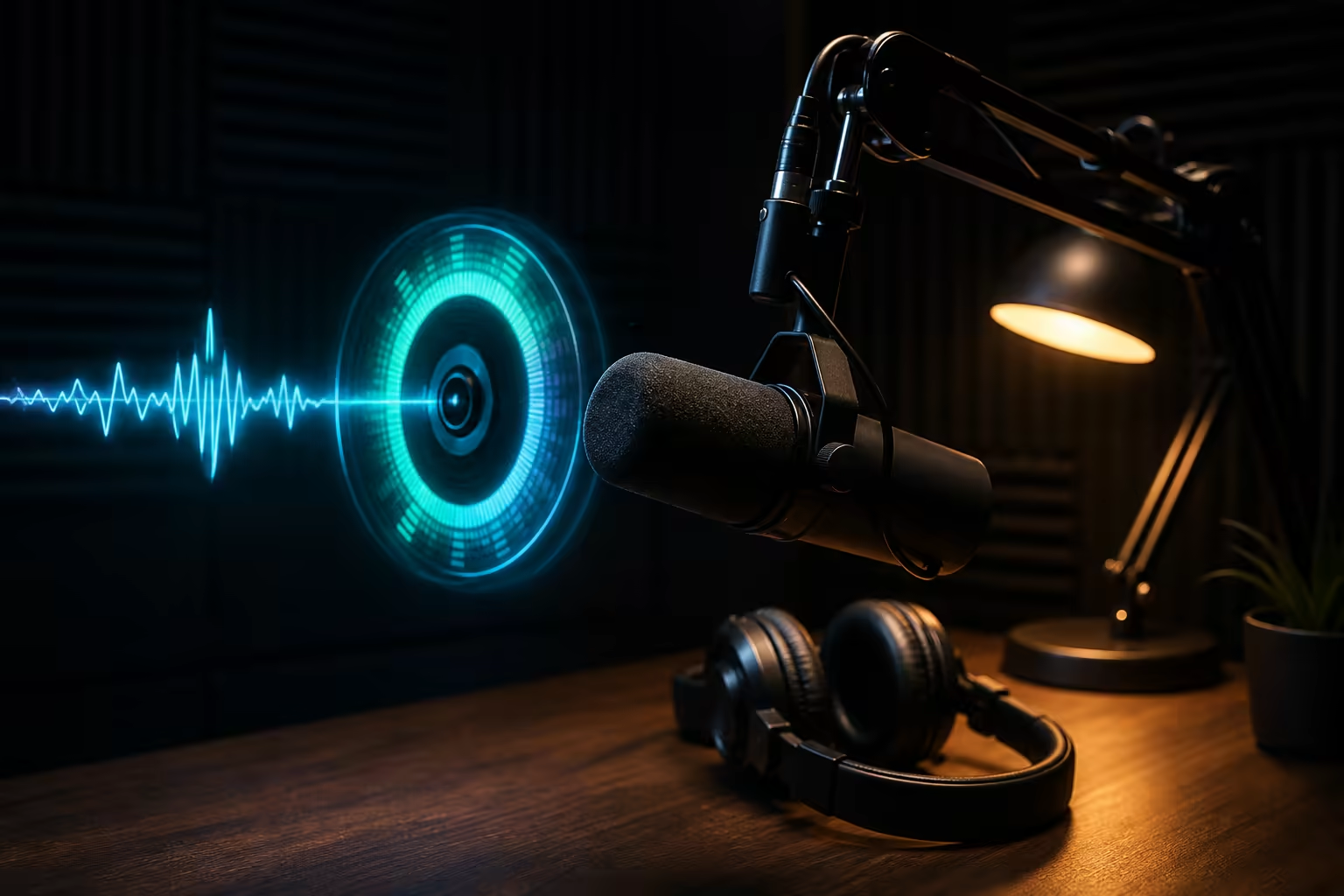
Podcast openings need a short motif listeners can recognize. Hum the phrase you want to own, set the mood with style tags, and generate an intro-style track for episode starts—without digging through stock libraries.
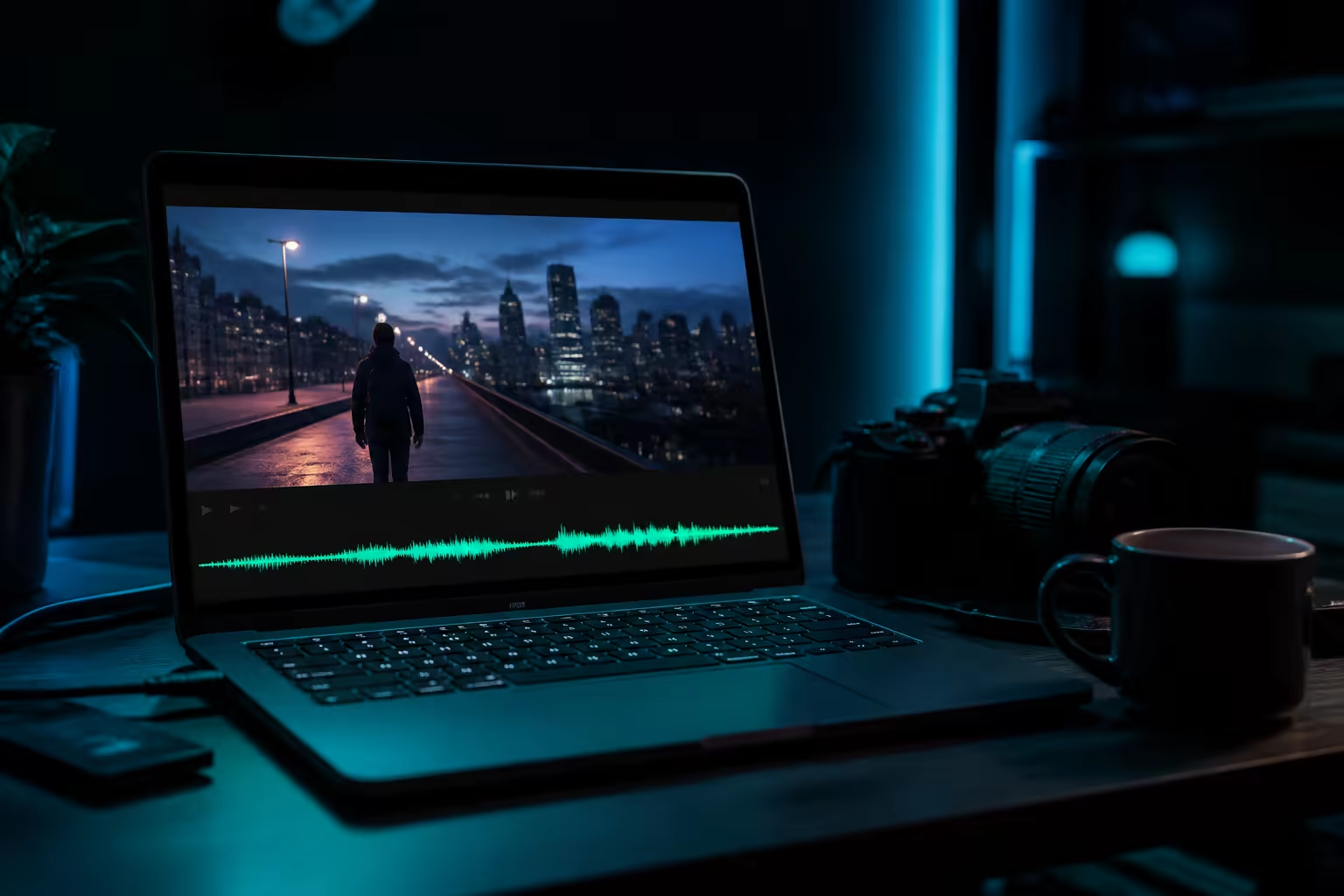
Video edits often need original beds under dialogue or B-roll. Hum the energy you want, choose instrumental mode when you need no vocals, and generate a custom bed instead of searching stock catalogs for something close enough.

Hooks fade fast if you do not capture them. Record a short hummed chorus or phrase, set title and style, add lyrics or keep it instrumental, then expand the idea into a full song draft you can preview and download.
Built for fast idea capture, clear downloads, and flexible rights when you are ready to publish.
How creators use humming, style tags, and lyrics in real sessions—not perfect every time, but fast enough to keep ideas moving.
"Uploaded a 15s hum from my phone. First pass had harsh hi-hats, but a darker synthwave tag on the second try landed close enough—I dropped it into Ableton instead of rebuilding from scratch."

"Hummed the verse on my laptop mic and pasted my lyrics. Melody tracked well, though a few syllables didn't sit right—still faster than waiting on a session singer for a rough draft."

"Whistled an 8s hook right in the browser, no lyrics. Had a usable podcast intro MP3 in a few minutes—beats digging through stock libraries 🎙️"

"Needed something for a Unity combat scene before standup. Hummed a brass line, tagged orchestral battle—got a draft the team could react to, not something I'd ship as final."

"Hummed the cut points for my B-roll. Acoustic bed matched on the first try 🔥"

"My syncopated hook survived melody-wise, which is rare. Production felt a bit generic though—fine for a demo, I'd rework the arrangement myself."

Everything you need to know about using MusGen Hum to Song Generator to turn humming into a complete song.
Yes. Record or upload a short hummed reference, add a title and style tags, then generate a complete song. You can hum a song idea as a vocal track with lyrics or as an instrumental, then download MP3 when the job finishes.
Record or upload up to 30 seconds of reference audio in MP3, WAV, M4A, or WEBM. Then set a title, style tags, and lyrics or instrumental mode. Finally, sign in, spend 3 credits to generate, preview in My Works, and download the MP3. That is the same three-step flow as the tool above.
It is a song creator. Hum to Song generates a new track from your melody. It does not search catalogs to name an existing song the way Google Hum to Search or similar finders do.
Reference audio is limited to 30 seconds. Supported uploads include MP3, WAV, M4A, and WEBM, and the in-browser recorder auto-stops at the limit.
Yes—you need to sign in. Each Hum to Song generation costs 3 credits. Free credits from the product, when available, can be used the same way as paid credits for generation.
Paid-plan downloads include commercial license / royalty-free use according to MusGen membership and terms. Free credits are for generation experience; they do not by themselves promise full commercial download rights.
Humming recordings and generated songs stay account-visible by default. We do not use them to train models, and we do not publish them publicly. Exceptions apply only when you share a track yourself. See the site Privacy Policy in the footer for the full policy text.
Yes. You can upload a phone voice memo or whistle into the browser microphone. If the clip is 30 seconds or shorter and has a clear melodic line, Hum to Song uses that audio as the melodic reference and generates a full song draft from it.
Turn on Make instrumental before you generate. The track is built around your hummed melody with no sung vocals. Style tags guide genre, mood, and arrangement; they do not lock specific instruments such as piano or guitar.
Yes. After you add a hummed reference, paste your lyrics or use Random Lyrics. The hummed clip and style tags guide the vocal track. There is no syllable-level alignment control.
Open the Hum to Song tool above, add a short reference, and generate your track.
Back to Hum to Song