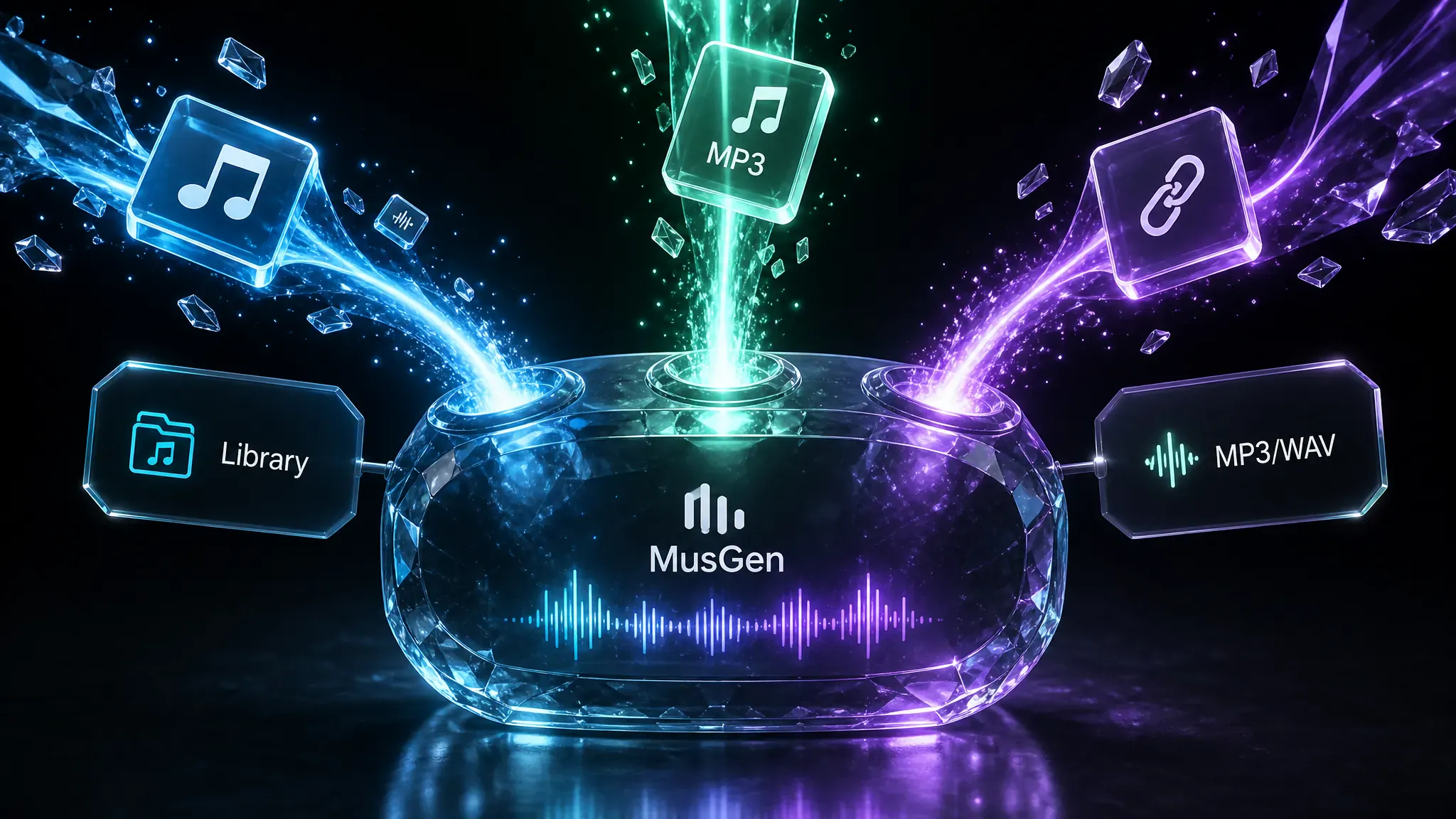
Multi-source original track
Start from your MusGen library, upload an MP3 or WAV up to 8 minutes, or paste a public audio URL as the continue source.
Use this AI Music Extender to continue any track from a chosen timestamp. Bring a library song, upload MP3 or WAV up to 8 minutes, or paste a URL, then auto-merge the new section into a full track.
Pick a song from your library or upload audio (up to 8 minutes). Choose where to continue, add lyrics or keep it instrumental, and generate an extension that auto-merges with your source.
Choose from your works or upload an MP3/WAV up to 8 minutes. Uploaded files use a direct URL as the continue clip.
The AI continues from this timestamp in your source track. Default is near the end.
Auto-merge is on: the new section will be merged with your source into a full track when ready.
Choose from defaults or type your own comma-separated tags.
Make instrumental
Generate music without vocals. Lyrics input will be hidden.
Uses 3 credits per generation
Source any eligible track, pick where to continue, then extend with lyrics or instrumental mode and auto-merge.
Start from your MusGen library, upload an MP3 or WAV up to 8 minutes, or paste a public audio URL as the continue source.

Drag Continue from to choose where the new section begins. The default sits near the end so you can continue a song with AI, or pick a mid-track point instead.
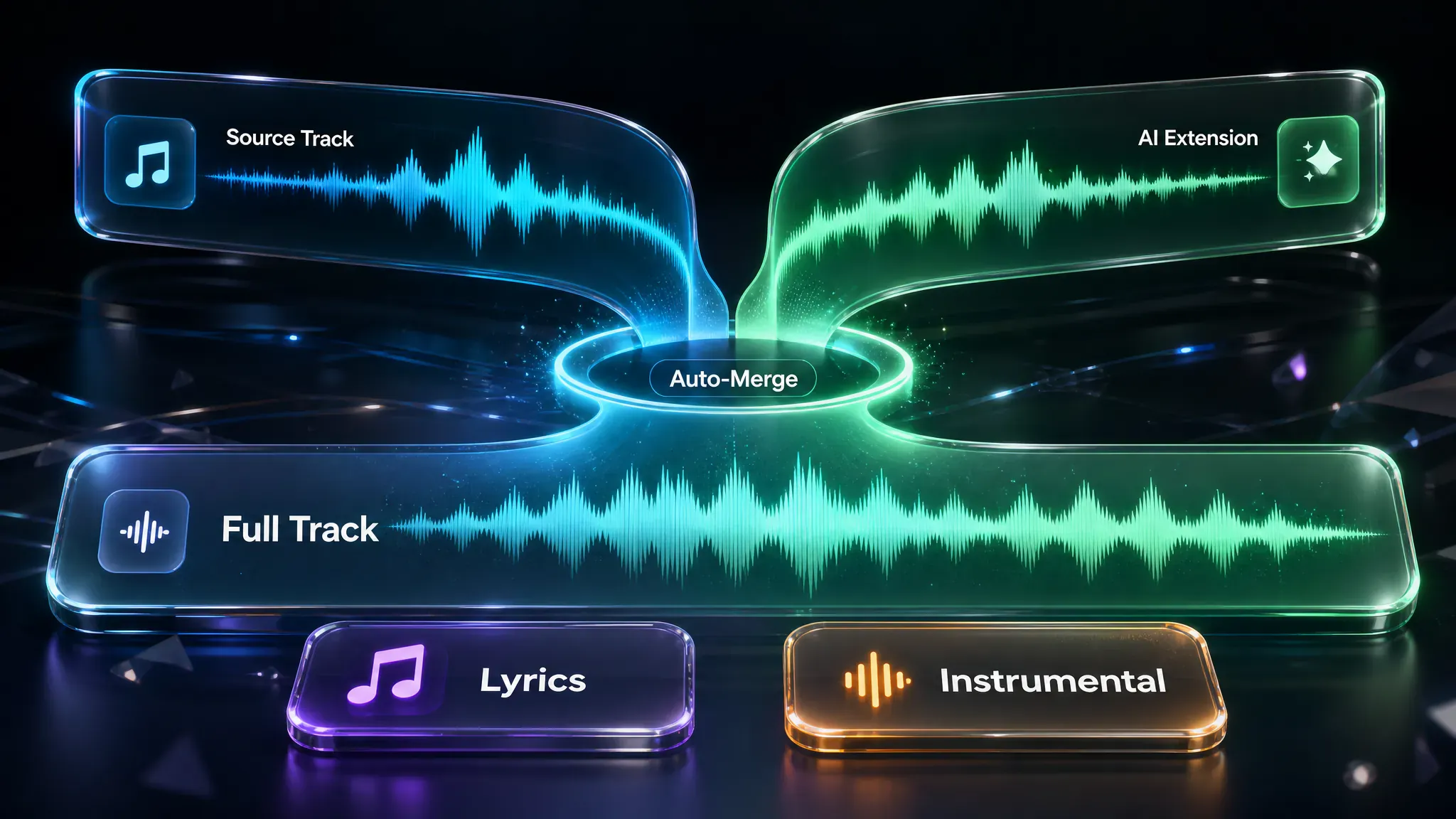
Add a title and style tags, write lyrics or switch to instrumental, then extend music with AI. Auto-merge joins the new section to your source into one full track.
Add a source track (library, MP3/WAV up to 8 minutes, or a URL), set Continue from, then tap Extend Song for 3 credits after login. Auto-merge joins the new section into one full track, then the result page opens for preview and download.

Practical workflows for finishing demos, adding sections, and extending instrumental beds.

Creators often stop at a short library, upload, or URL demo. Continue from near the end to grow it into a longer full track without rebuilding from scratch.
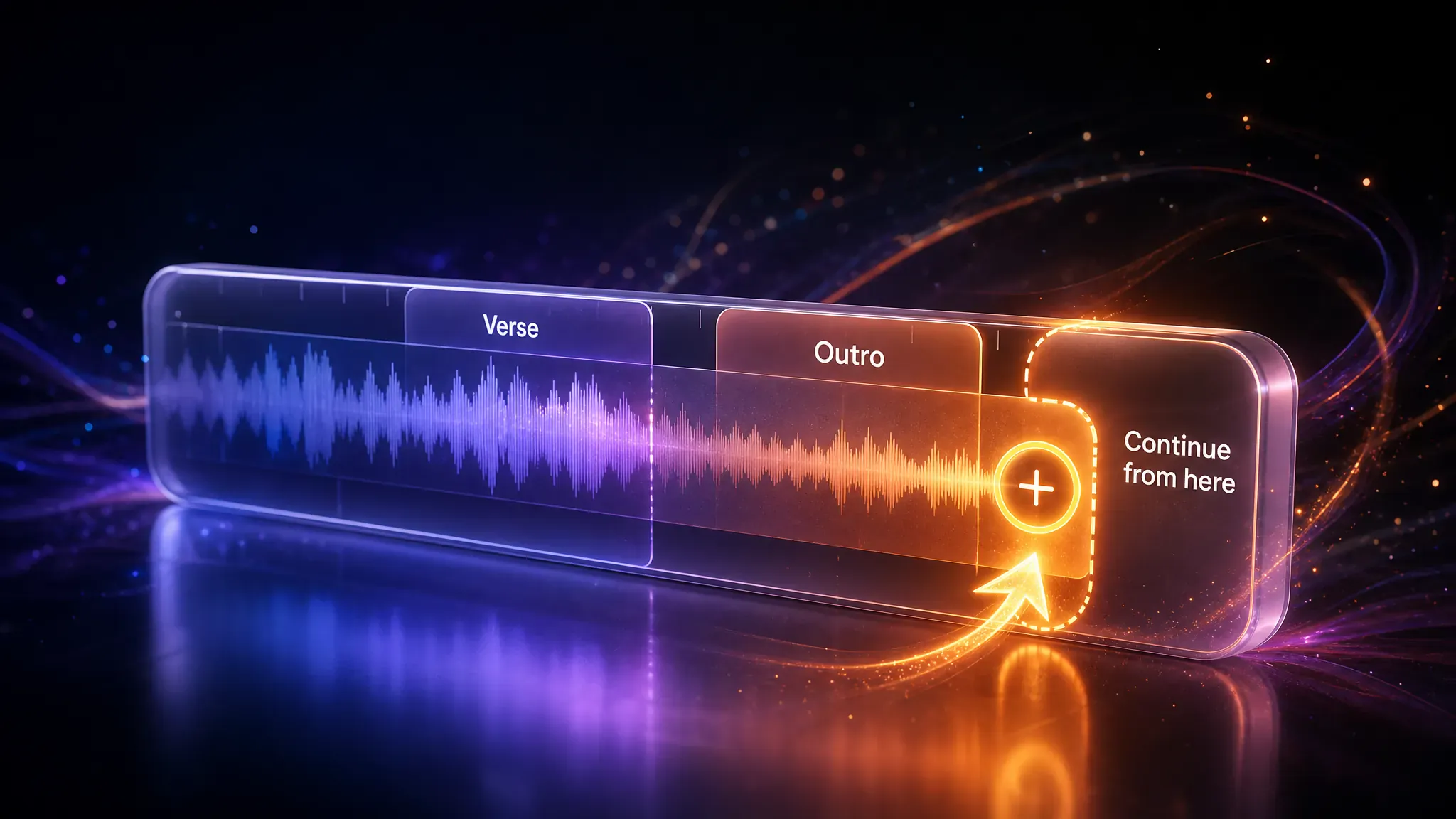
Songwriters can pick a timestamp to add a verse or outro, or keep going when a cut feels too soon. The slider sets the branch point; lyrics guide the new section.

Writers can AI-extend music in Instrumental mode to lengthen beds, intros, or BGM without adding sung lyrics.
Built for fast continuations in the browser, clear credit rules, and auto-merged full tracks.
How creators continue demos and merge longer tracks in real sessions—not seamless every time, but clear enough to keep drafts moving.
"Pulled a library demo, left Continue from near the end, and hit Extend Song. Auto-merge worked, but the join still needed a second pass—first extension drifted softer than the chorus."

"Turned on Make instrumental and the bed lengthened in one run 🎹"

"Uploaded an MP3 under eight minutes, scrubbed Continue from mid-track for a new verse, then regenerated once because the first lyrics pass felt rushed at the cut."

"Demo died too soon after the hook. I set Continue from just before the drop, pasted an outro lyric, and the merged track gave me something to finish in the result page 🔥"

"Pasted a URL with no duration metadata—Continue from locked at 1s. Usable after I re-uploaded the same file from My music, but the first try wasted a run."

"Three credits, waited through Extending…, then hit Open batch. Not a DAW replace—just a longer draft I could preview before another edit."

Answers about credits, formats, auto-merge, and how this song extender differs from other MusGen tools.
MusGen AI Music Extender continues an existing track from a timestamp you choose, then auto-merges the new section into one full song. It is built for music and song extensions—not generic file stretching.
Yes. Pick a library track, an MP3/WAV up to 8 minutes, or a URL, set Continue from, then generate. It continues the demo and auto-merges a longer full track—it is not a DAW time-stretch plugin.
You can use AI Music Extender online free with available credits after login. Each successful run costs 3 credits. Free credits are for trying the tool; they are not unlimited free exports or full commercial rights.
No. This page is a music and song extender. It is not a general AI audio extender for speech, podcasts, or DAW time-stretch. Use it to continue musical tracks, not narrated audio.
Yes. Choose My music, pick a generated track, set Continue from, and generate. Library tracks need a valid source clip; uploads and URLs use a direct audio address instead.
Yes—login is required to change tags, use random lyrics, and submit. Each successful extension costs 3 credits. A security check may appear before generation starts.
Paid-plan downloads include commercial license and royalty-free use under MusGen membership terms. Free credits alone do not grant full commercial download rights. Extending a third-party upload does not grant rights to that original recording.
Yes. After AI Music Extender finishes, the result page lets you preview and download in the formats your plan allows, including common MP3 exports. This page does not add a separate format picker beyond the shared results flow.
Expanding a song with AI here means continue-from plus auto-merge on one source. The Music Editor is for multi-section editing workflows such as infill or concat. Use this page to lengthen a track; use the editor when you need deeper cut-and-join control.
Open the tool above to extend music with AI—pick a source, set Continue from, and generate your merged track.
Back to AI Music Extender